CMMS Pilot Checklist: 8 Tests Before You Roll Out
A CMMS pilot checklist tells you whether one building can run real maintenance work in a computerized maintenance management system before you roll it out to the rest of the portfolio. Test eight things: asset imports, request intake, shift handoffs, recurring maintenance, field closeout, contractor access, reporting and data export. Define what a pass looks like before anyone opens the software.
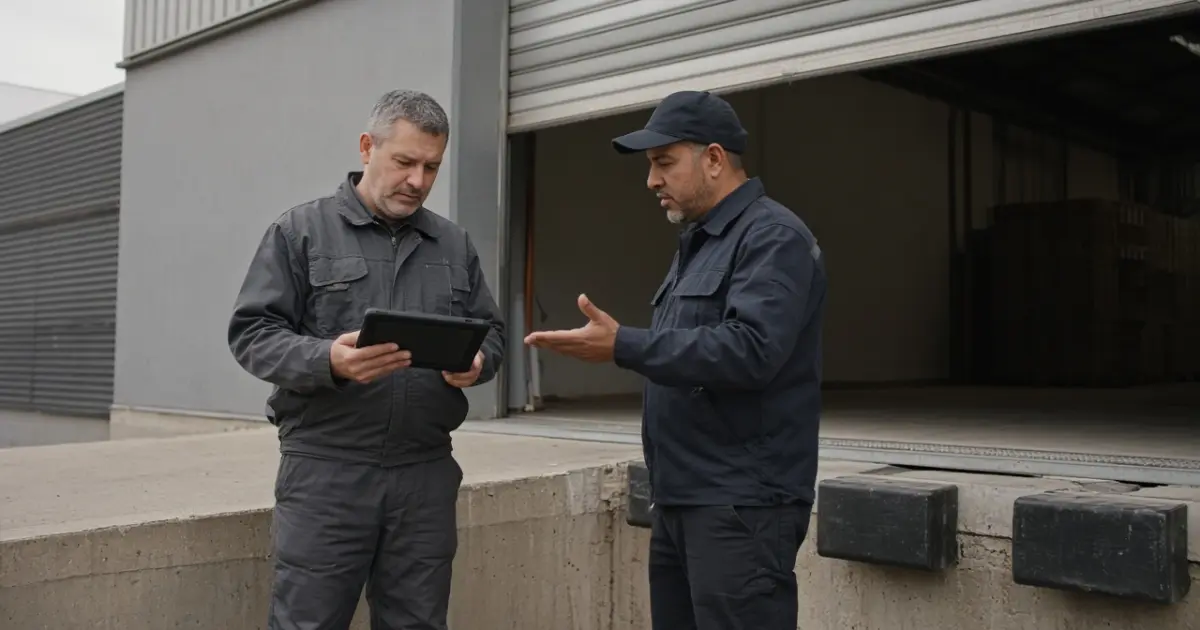
A demo shows what a vendor can do with a clean record and a reliable connection. A pilot should show what your team can do with a stuck loading door, a work order that changes hands at 5 p.m. and a supervisor who needs to explain why it's still open on Monday.
What goes into a CMMS pilot checklist?
Pick one building with a mix of repairs and scheduled maintenance, not the quietest site in the portfolio. Include one requester, the dispatcher, a technician from each shift involved and the supervisor who signs off. If contractors do some of the work, give one a role in the test. Use their normal devices and accounts, not the vendor's administrator login.
Start with a small slice of real assets, open work and upcoming preventive maintenance. Use a test environment for deliberate mistakes, permission checks and outages. If you run a live pilot afterward, define in writing which system owns new requests at the pilot site and how staff log work if it's unavailable. Don't ask the crew to keep two permanent copies of every job.
For each scenario, write down the starting record, who runs the test, the expected result and the evidence you'll keep. Separate the two decisions: technicians prove they can do the work, then the owner decides if the results are enough to expand.
Eight acceptance tests to run at one building
Run the normal path and at least one exception for each job you rely on. Keep the record IDs or export rows that prove what happened. A screenshot of a success message is no substitute for finding the record again the next day.
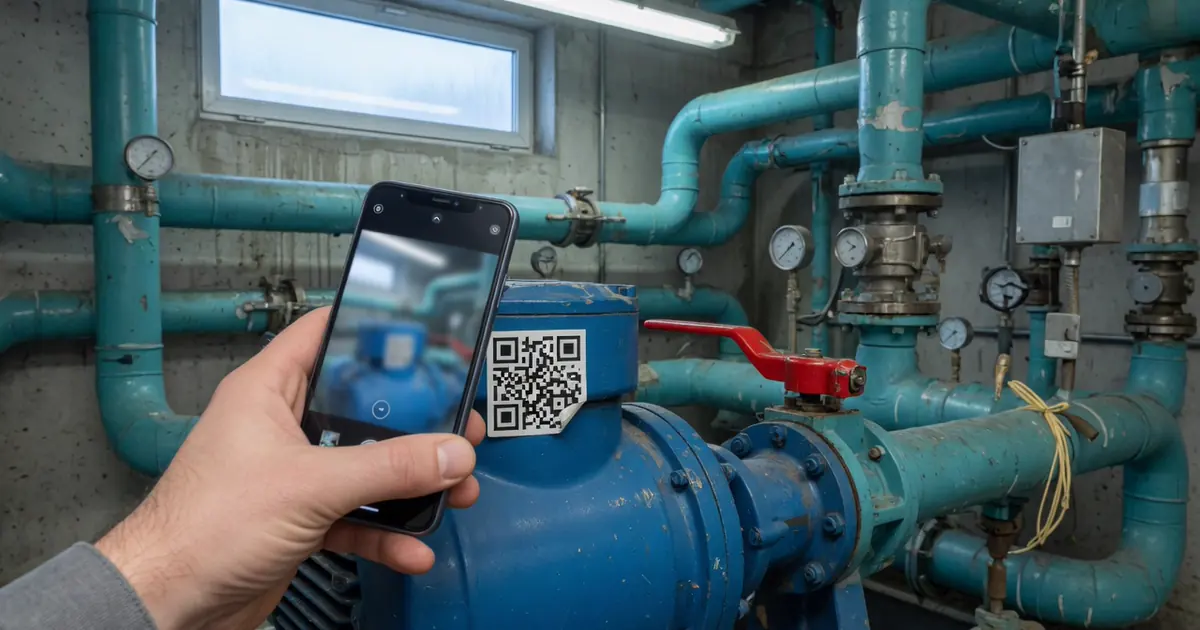
- Import assets and open work. Include two assets with the same name in different locations and one row with a deliberately invalid location. Pass: The good records land at the right locations, open jobs retain their legacy references and every rejected row is accounted for.
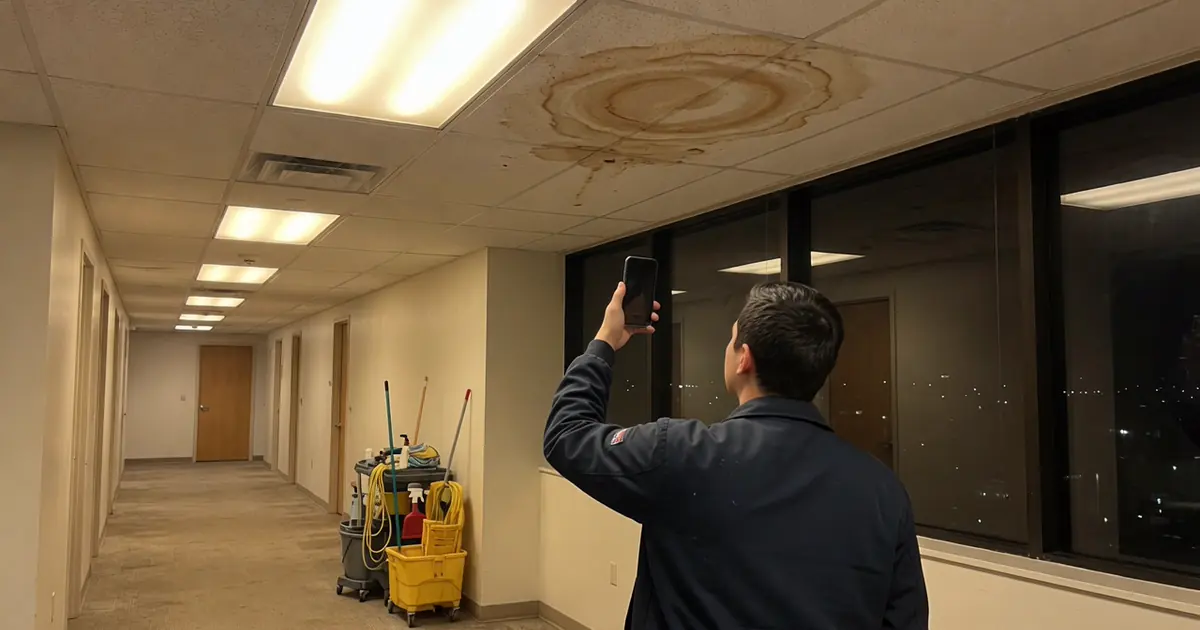
- Submit and dispatch a request. Report a stuck loading door twice from requester accounts, then give dispatch both reports. Pass: Dispatch resolves the duplicate without sending two crews, and both requesters know how to follow the surviving ticket.
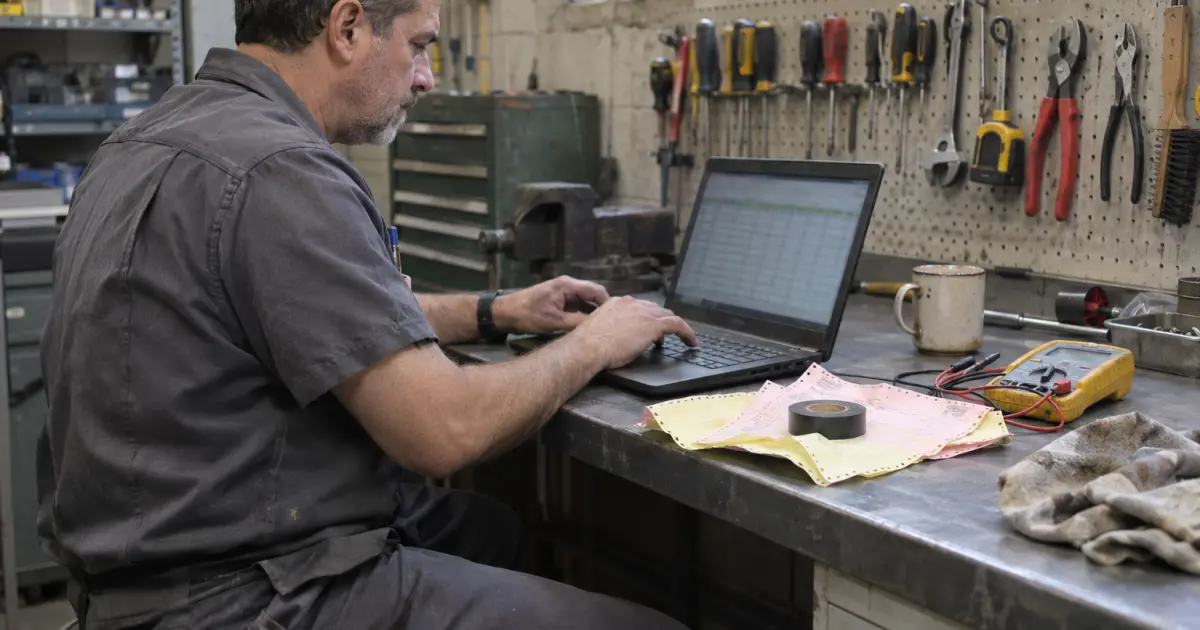
- Hand off across shifts. Start the job on one shift, leave it waiting for a part and reassign it to the next shift. Pass: The incoming technician sees the owner, location, waiting reason, last action and next step without calling the outgoing shift.
- Generate preventive maintenance. Let a scheduled task come due in the test environment. Reschedule one occurrence and verify the next one. Pass: Each expected order appears once on the right asset with the right instructions, and the next due date follows your chosen rule.
- Close a job from the field. Record the work and labor on the usual device in an area with poor reception. Reconnect, submit for review and return it once for correction. Pass: The workflow or agreed fallback preserves the record. Repair completion and supervisor approval stay distinct when both matter.
- Limit contractor access. Create two orders at the pilot site: one assigned to the test contractor and one that should be private to a different contractor. Use the test contractor's account. Pass: The contractor can update the assigned job and submit evidence but cannot find or open the other job. If client accounts are also separated, repeat with a test job in another account.
- Reconcile a supervisor's report. Compare the open-work report with a cancelled duplicate, a repair awaiting approval and a job waiting for parts. Pass: Each order lands in the intended group, and the supervisor can trace each count to individual records.
- Export and reopen records. Export the pilot's assets and work orders as an authorized user. Match them by ID and retrieve a closeout attachment using the documented export method. Pass: Someone besides the admin who set up the pilot can reconstruct the sampled records and links. Missing fields or attachments are known before sign-off.
The import test is not a full migration. Use your physical asset inventory to choose a representative slice and your preventive maintenance schedule to find a real task pattern. If the pilot doesn't span the next scheduled occurrence, test that date in a sandbox instead of waiting for it or moving a live due date.
Which failures should stop a rollout?
Block expansion when the crew can lose a request, when a user can see work outside their role or when nobody can tell whether required maintenance came due. Treat cosmetic defects differently. A clumsy report label can wait if the count and its underlying records are correct and someone owns the fix.
Don't let the status column decide what is true. In Fairfax County's work order audit, 13 of the 50 work orders tested were marked complete without actual labor hours recorded. The auditors also found that some totals in summary reports didn't reconcile with detail reports. In a separate Cal State Bakersfield facilities audit, eight of 30 reviewed orders were still open even though the work had been done. These are findings from specific audits, not failure rates to expect at your site. They illustrate two errors to test for: work marked done with crucial evidence missing, and work already done that still appears in the backlog.
Try this closeout test. In the sandbox, have a technician finish a sample repair at 3:20 p.m. but leave the supervisor's review until the next morning. While it's waiting, ask dispatch whether to send someone back. Then ask the supervisor how many jobs still need physical work and how many only need review. Compare those answers with the records. If the report treats that repair as if it still needs a technician, agree on the fields and report rules before the next site joins. See how to measure work order response time for which timestamps belong in which metric.
How do you decide whether the pilot passed?
Give the maintenance owner a short decision sheet: test ID, scenario, expected result, actual result, evidence link, owner and retest date. A dashboard isn't required. A shared sheet with stable links is enough for the decision, as long as it doesn't become a second place to receive maintenance requests.
- Go: All critical cases passed. The site lead can show what is open, what is waiting and what is done without help from the vendor. They know who owns intake on the first day at the next site.
- Hold: A critical case failed, or the evidence is incomplete. Fix it, rerun the same scenario and rerun a nearby workflow that the fix might have changed. Review the results with the people who do the work.
- Revert: Live intake or dispatch is unreliable and work is at risk of being missed. Return intake to the agreed fallback, preserve the new records and reconcile open work once. Name who tells requesters where to submit new jobs.
Repeat any test whose conditions change at the next building. A site with its own vendors, after-hours crew or weaker coverage in mechanical rooms may need a different handoff test even when the software configuration looks the same.
Frequently asked questions
What is the difference between a CMMS demo and a pilot?
A demo shows how the software is intended to work, often with prepared data and a vendor at the controls. A pilot gives your own staff defined tasks using representative equipment, records and devices, then checks the results against written acceptance criteria.
How long should a CMMS pilot run?
Run it long enough to see the handoffs your operation depends on, including a shift change, a recurring work order and a review cycle. Test slower schedules in a sandbox and extend the pilot if a critical workflow has not passed, even if the planned finish date has arrived.
Should you migrate all work orders into the pilot?
No. Start with the open jobs and asset history you need to prove your workflow, plus tricky examples such as a cancelled order or an old record with a missing field. Decide separately what history goes into the production migration and what stays in a read-only archive.
Who signs off on a CMMS pilot?
The facilities owner accountable for the rollout should sign off after the site supervisor and frontline users run their cases. Include the relevant IT or account owner when access, export or integrations are part of the decision.
If you're weighing software for multiple properties, talk to an operator about the first workflow you'd want to prove at one site.